How to Convert PDF to Markdown (And Why Most Approaches Fail)
Contents
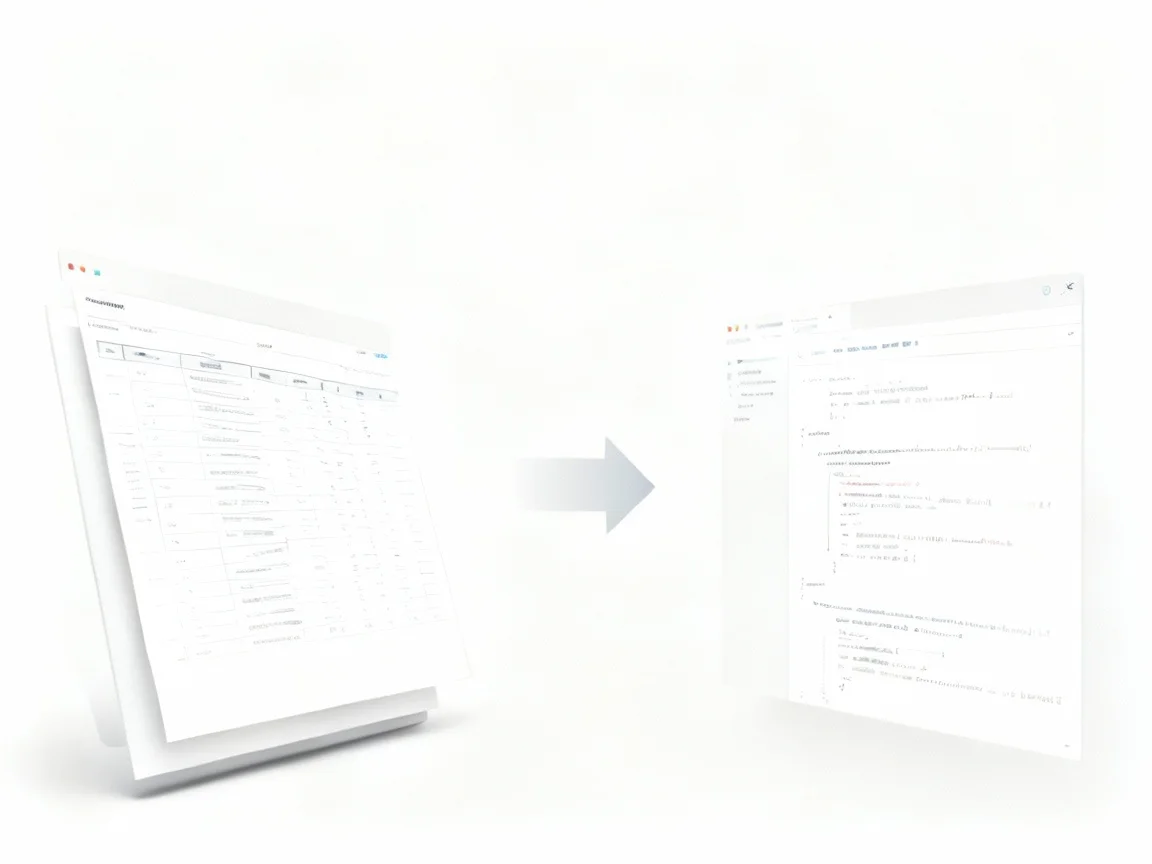
PDF is one of the most widely used document formats in the world—and also one of the most misunderstood.
If you've ever tried to reuse content locked inside a PDF, you already know the frustration: broken paragraphs, lost headings, unreadable tables, and hours spent fixing formatting by hand. This is exactly why more people are searching for how to convert PDF to Markdown —not as a format trick, but as a way to regain control over their content.
But converting PDF to Markdown is harder than it looks. In this article, I want to explain why the problem exists, why many solutions fail, and what actually works in practice when you need clean, structured Markdown from a PDF.
Why PDF Is So Difficult to Convert Properly
To understand how to convert PDF to Markdown, you first need to understand what a PDF actually is.
A PDF does not store content logically. It stores content visually.
- Headings are not "headings."
- Paragraphs are not "paragraphs."
- Columns are not "columns."
Everything is positioned on a page using coordinates. That's why copying text from a PDF often results in:
- Broken reading order
- Random line breaks
- Lists turned into plain text
- Tables flattened into chaos
Markdown, on the other hand, is the opposite. It is pure structure. Headings, lists, code blocks, and quotes are explicit. This fundamental mismatch is why converting PDF to Markdown is not a simple format conversion—it is a reconstruction problem.
What People Usually Try (and Why It Breaks)
When people search How to convert PDF to Markdown, they usually experiment with one of three approaches.
1. Copy and Paste
This works only for the simplest PDFs. The moment your document has columns, footnotes, or tables, the structure collapses. You end up spending more time cleaning the Markdown than writing it.
2. PDF to Text or PDF to HTML Tools
These tools extract characters, not meaning. Headings lose hierarchy, lists lose bullets, and tables lose relationships. Technically, you get text—but not usable Markdown.
3. Writing Scripts (Often Python-Based)
Many developers try pdf to markdown python libraries. These can work in controlled cases, but real-world PDFs quickly expose their limits:
- Layout heuristics break
- Scanned PDFs require OCR tuning
- Maintenance cost grows fast
At some point, the effort outweighs the benefit.
The Real Goal: Structure, Not Just Text
The reason most "how to convert PDF to Markdown" guides disappoint is simple:
They focus on extraction, not structure. Good Markdown conversion requires:
- Identifying heading levels
- Preserving list semantics
- Rebuilding reading order
- Handling tables intentionally
- Respecting scientific symbols and formulas
This is why a dedicated PDF to Markdown approach matters. It treats the document as a structured artifact, not a pile of characters.
When done correctly, the output Markdown is something you can:
- Commit to Git
- Import into Notion or Obsidian
- Feed into an AI or RAG pipeline
- Edit without fear of breaking everything
When OCR Becomes Necessary (and Why It's Not Optional)
Many PDFs are not "real" PDFs. They're scanned images. In those cases, converting PDF to Markdown requires OCR—but not just any OCR. You need OCR that understands:
- Document layout
- Mathematical or chemical formulas
- Section boundaries
This is where OCR-based Markdown workflows become essential. Instead of extracting text blindly, they analyze how information is organized and translate that structure into Markdown syntax.
Tools designed around PDF to Markdown workflows—rather than generic conversion—are built specifically for this problem.
A Practical Way to Convert PDF to Markdown Today
If your goal is clean, reusable Markdown (not just "some output"), the most reliable approach today is using a structure-aware PDF to Markdown converter.
In my own workflow, I eventually stopped experimenting with scripts and manual fixes and moved to an OCR-based solution that outputs Markdown directly. One example of this approach is Deep OCR, which focuses on reconstructing document structure instead of flattening content.
What matters here is not the brand, but the principle:
- OCR + layout understanding
- Markdown as a first-class output
- Designed for reuse, not display
That combination is what finally makes converting PDF to Markdown practical at scale.
Why Markdown Is Worth the Effort
It's fair to ask: why Markdown at all?
Because Markdown is:
- Portable
- Human-readable
- Machine-friendly
- Ideal for AI processing
Once your PDFs become Markdown, they stop being "files" and start becoming knowledge assets. You can reorganize them, link them, summarize them, and build on them. That's the real payoff behind learning how to convert PDF to Markdown properly.
Final Thoughts
Most people don't actually need "a converter." They need a way out of PDF lock-in.
If you've tried converting PDF to Markdown before and felt disappointed, it's not because Markdown is flawed—it's because the conversion ignored structure. Once you focus on structure first, the entire problem changes.
And when it works, you'll never want to work directly with PDFs again.