Upload an image, screenshot, scan, or document page and let Deep OCR extract the visible text. After recognition, you can review the result, clean messy formatting, and copy or export the text for notes, documents, AI tools, or everyday workflows.
supported formats: JPG, PNG, GIF, WebP images, max size: 10MB
Handwritten to Text — Transform Real Handwriting into Clear, Digital Text
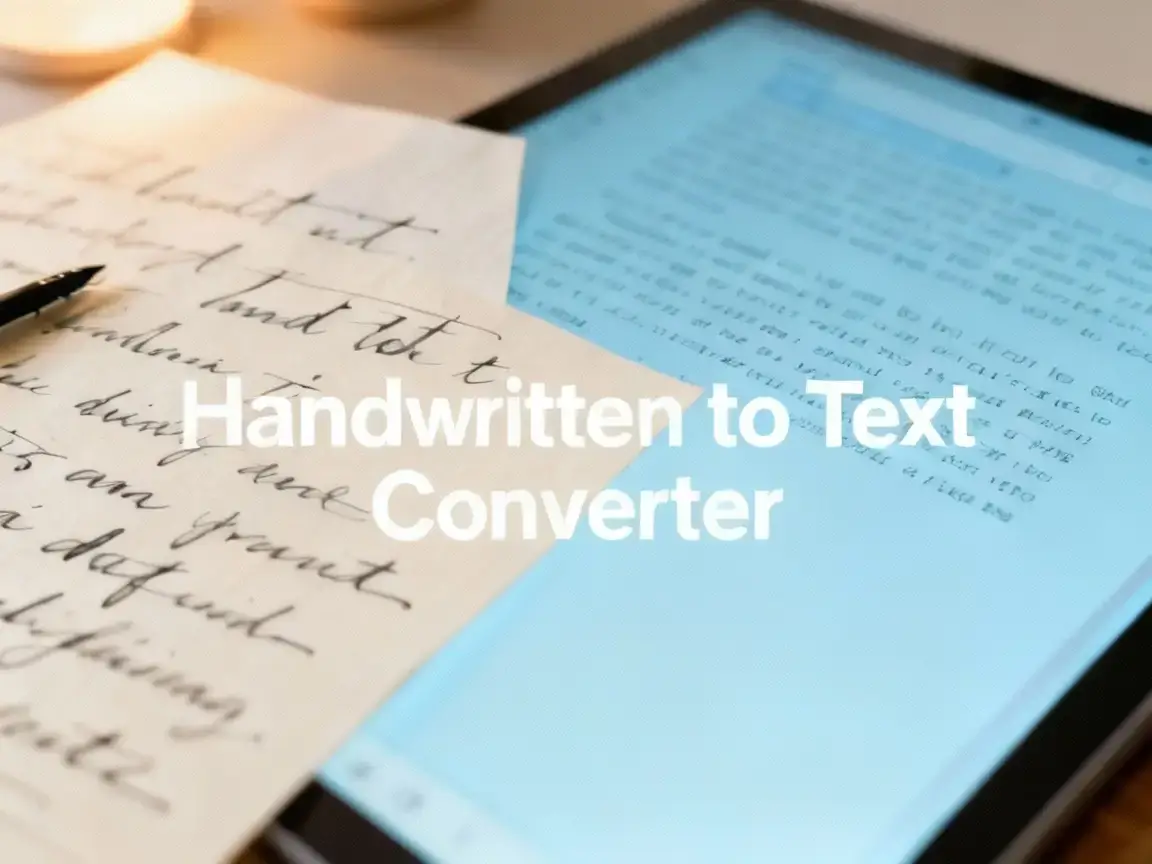
This Handwritten to Text Converter is designed to fix that gap. It reads natural handwriting—not perfect, academic handwriting, but real handwriting—from notebooks, sticky notes, scrap paper, planners, or fast scribbles. Whether you're capturing ideas from a photo on your phone or digitizing years of journals, the converter transforms handwriting into structured digital text with minimal cleanup.
Highlights of The Tool
Built for Everyday Handwriting Styles
Instant Conversion from Notebooks, Photos, and Whiteboards
Suitable for All Workflows
Why People Choose This Handwritten to Text Converter
Accuracy That Handles Real-Life Writing Conditions
Most handwriting OCR tools expect clean scans. This converter adapts to shadows, desk lighting, slanted phone angles, inconsistent letter shapes, and fast writing styles. It's optimized for how people truly write.
Smooth, Frictionless Workflow Without Complex Steps
No installation, no accounts, no onboarding. Upload your handwritten page, and the Handwritten to Text system generates editable output immediately. It’s efficient enough for quick daily use and reliable enough for large projects.
Designed for Students, Researchers, Creatives, and Teams
Different professions write differently—students scribble fast, researchers annotate margins, product managers draw arrows and boxes. The converter recognizes these patterns and extracts coherent text instead of breaking under irregular handwriting.
Supports Cursive, Mixed Styles, and Multilingual Handwriting
The engine reads cursive, block letters, mixed-case handwriting, and hybrid styles. Many Handwritten to Text tools fail when users mix print and cursive—this one handles it naturally.
Clean Output That Works with Any Digital Tool
The result is not locked into proprietary formats. You get plain, flexible digital text that works with documentation tools, note apps, research systems, or version control workflows.
Privacy-First Processing with No Data Storage
Handwritten pages are processed in real time and immediately discarded. Nothing is saved, shared, or analyzed—an essential factor for research teams, students, and professionals working with personal notes.
User Testimonials of Handwritten to Text Converter
"I keep handwritten field notes during interviews. The Handwritten to Text Converter turns them into clean summaries I can search, tag, and share. It handles messy writing better than anything I’ve used."

Emma Bryant
UX Researcher
"I sketch ideas on paper before coding. Photographing my notebook and converting it straight to digital text speeds up my workflow. It’s perfect for capturing architecture notes and quick technical drafts."

Jonathan Lee
Software Engineer
"My entire study routine is built around handwritten notes. Converting them to digital text helps me organize topics and prepare for exams. It saves me hours every week."

Rachel Morris
Graduate Student
Frequently Asked Questions
Converting handwriting into digital text brings up practical concerns about accuracy, cursive recognition, privacy, file support, and everyday usability. These FAQs address the most common real-world questions from people using Handwritten to Text tools for work, study, and research.
Absolutely. Notebook pages, whiteboards, journal snapshots, and classroom notes captured with a phone all convert properly.
Very accurate for clear cursive. If the handwriting is extremely condensed or overlapping, accuracy may vary, but most cursive styles work well.
Yes. It maintains natural line spacing and logical text groups to make editing easier, though formatting is simplified to ensure clarity.
No. Files are processed instantly and deleted immediately. No personal data is saved or analyzed.
Yes. You can process pages one by one or convert batches of handwritten images as needed.
Bring Your Handwritten Ideas Into the Digital World
Handwriting should not slow down your digital workflow. Whether you're jotting ideas in a notebook, capturing whiteboard sessions, or digitizing journals, the Handwritten to Text Converter lets you move from paper to digital text instantly. Bring your handwritten notes into the tools you use every day.