Upload an image, screenshot, scan, or document page and let Deep OCR extract the visible text. After recognition, you can review the result, clean messy formatting, and copy or export the text for notes, documents, AI tools, or everyday workflows.
supported formats: JPG, PNG, GIF, WebP images, max size: 10MB
Free Markdown OCR — Convert Documents into Clean Markdown
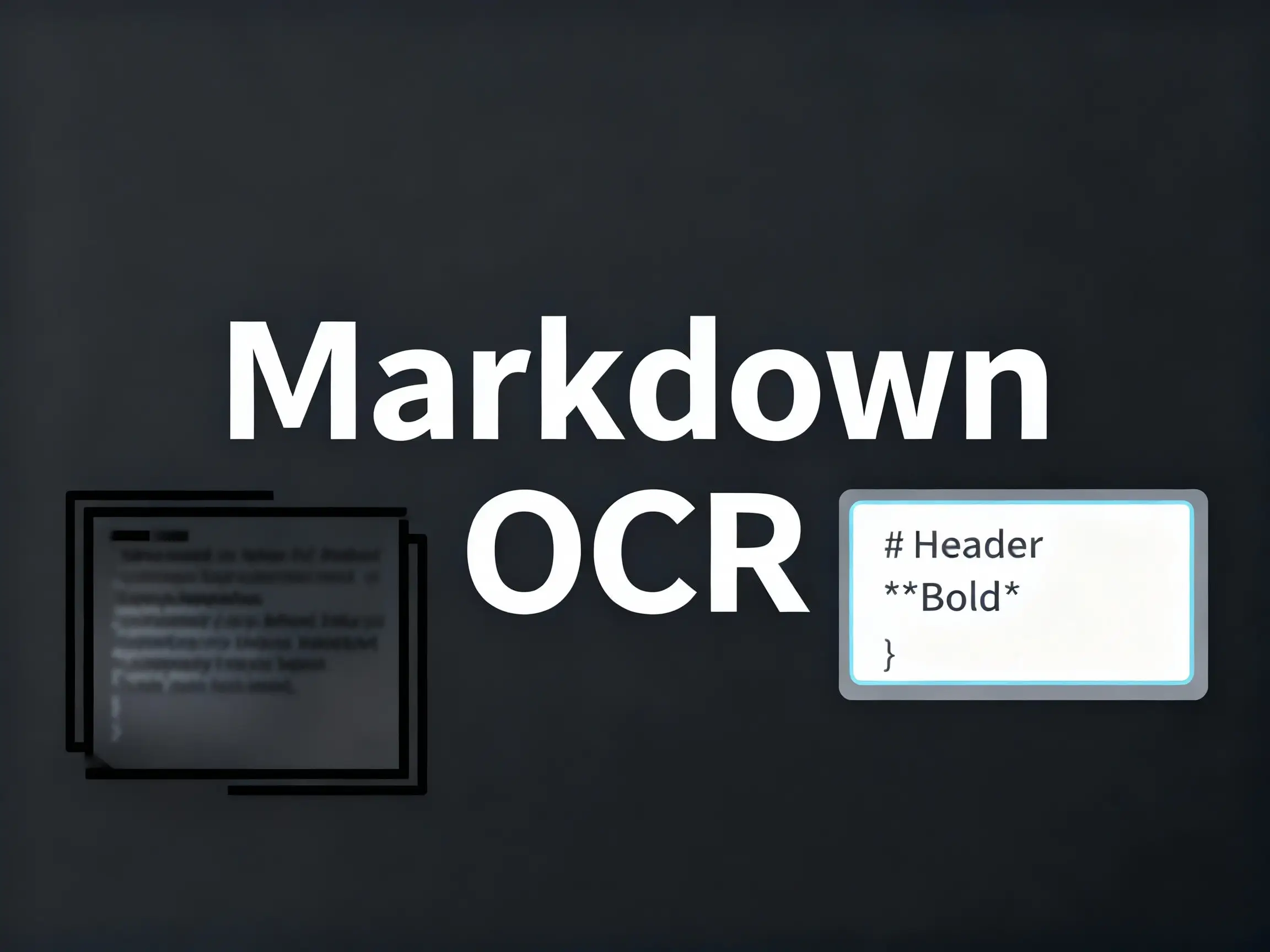
Markdown has become the preferred format for writers, developers, researchers, and content creators who want clean, portable, and easily editable text. But when your ideas, notes, reports, or archives exist only as scanned PDFs and images, turning them into structured Markdown becomes a tedious manual exercise. DeepOCR’s Markdown OCR feature is designed to eliminate that work completely.
The Strength Behind Markdown OCR
Markdown-Aware Reconstruction
Layout Interpretation That Preserves Meaning
Reliable Conversion Across Mixed and Imperfect Scans
Real-World Scenarios Where Markdown OCR Excels
Research and Academic Workflows
Technical Documentation and Developer Notes
Personal Knowledge Management and Writing
Why Markdown OCR Helps You Work Faster
Markdown OCR is designed for people who write, research, document, or build knowledge systems. Instead of producing a plain-text block that requires manual cleanup, it delivers structured content that drops directly into modern workflows.
Output Ready for Documentation and Publishing
Writers, developers, and teams working with Markdown-based systems can immediately use the converted files without reformatting. The output is clean, consistent, and compatible with popular tools like GitHub, Hugo, Notion, and knowledge base platforms.
No Restrictions on Volume or Usage
Markdown OCR supports single-file notes as well as large archives - entire notebooks, research folders, technical manuals, and mixed PDF collections. There are no quotas or page restrictions, allowing full-scale document conversion without cost barriers.
Designed to Reduce Manual Editing Time
By maintaining structural integrity - headings, lists, tables, code fences, and paragraph flow - Markdown OCR dramatically cuts down post-conversion editing time. Users can move directly into writing, publishing, or indexing instead of fixing formatting.
What Our Users Say
"Most of my work involves updating internal documentation and converting scanned PDFs into clean text. Markdown OCR has become the fastest way for me to rebuild structured docs. I love that it automatically recognizes headings, lists, and code snippets so I can drop everything straight into my editor. It easily saves me several hours a week."

Mei Wang
Technical Writer
"I keep years' worth of handwritten notes and whiteboard photos for different side projects. Turning them into Markdown used to be a painful manual task. With Markdown OCR, I get tidy .md files that fit directly into my Git workflow. It's now the easiest way for me to keep technical notes version-controlled and searchable."

John Lee
Indie Software Developer
"My research involves analyzing historical documents and old academic scans. Converting them into Markdown makes annotation and text processing much easier. The Markdown OCR engine does a surprisingly good job capturing quotes, references, and section structure. It has become part of my weekly research routine."

Dr. Alex Chen
Academic Researcher
Frequently Asked Questions
Before using Markdown OCR at scale, many users want to understand how it performs with complex documents, mixed languages, and large uploads. The questions below reflect the concerns most users genuinely have.
PDFs, JPG/PNG images, TIFF files, and ZIP folders containing multiple documents can all be processed in a single session.
Yes. The system interprets document hierarchy and converts it into clean Markdown syntax—headings, bullet lists, numbered lists, tables, and horizontal rules.
It handles mixed-language pages smoothly, including English with Chinese, Japanese, Korean, or European languages in the same document.
The recognition engine stabilizes skew, faint text, and uneven lighting. As long as the text is readable to the human eye, the Markdown output will usually be accurate.
Yes. The generated Markdown is compatible with Obsidian, GitHub, Notion, Jekyll/Hugo, Logseq, and nearly all Markdown-based workflows.
Start Converting Your Documents into Markdown Effortlessly
Deep OCR's Markdown OCR offers a structured, thoughtful approach to transforming scanned documents into clean, ready-to-use Markdown files. Whether you're organizing research, preparing documentation, or building a personal knowledge base, the workflow becomes faster, simpler, and dramatically more efficient.